Configure Your Dashboard
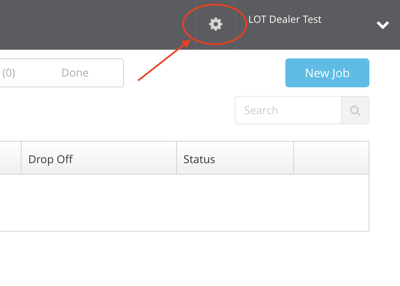
1. Access Settings: Click the gear icon in the upper left corner access your settings.
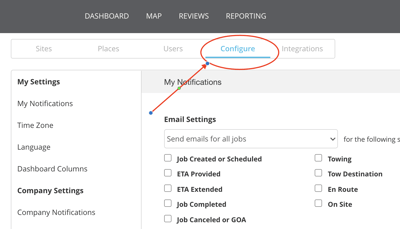
2. Select Configure: Then click the Configure Tab from the menu.
3. Dashboard Tabs:
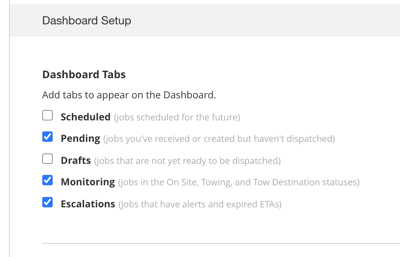
Click on Dashboard set up on the left hand menu. Then, select which Dashboard Tabs you would like.
We recommend selecting pending, monitoring and escalations for a complete view of jobs in progress.
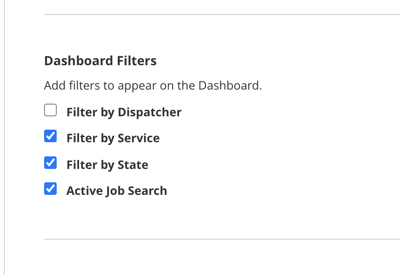
4. Dashboard Filters
Select which filters you would like. We recommend selecting service, state and active job search.